Way ASign in with ClaudeYou pay for Claude Pro or Max already. Works on your phone, no extra cost.
Way BUse an API keyYou want a usage bill instead of a subscription. Pay Anthropic per message.
A. Sign in with your Claude account
Four taps and one paste, all on your phone. The sign-in happens between you and Anthropic, inside your own operator. Nothing of yours passes through us.
- In Telegram, send
/connectto your operator and tap 👤 Claude Pro/Max.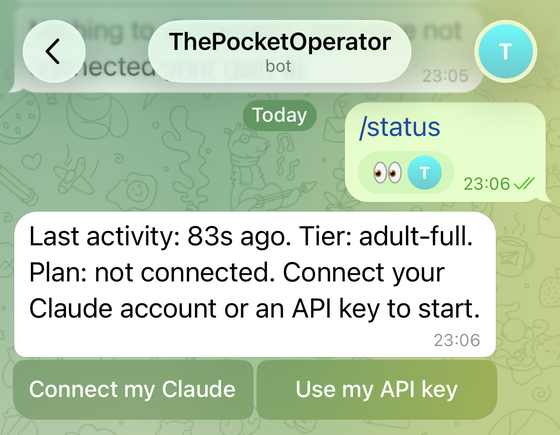
Tap Claude Pro/Max. - Tap Open sign-in. Sign in to claude.ai the way you always do. You get a short code.
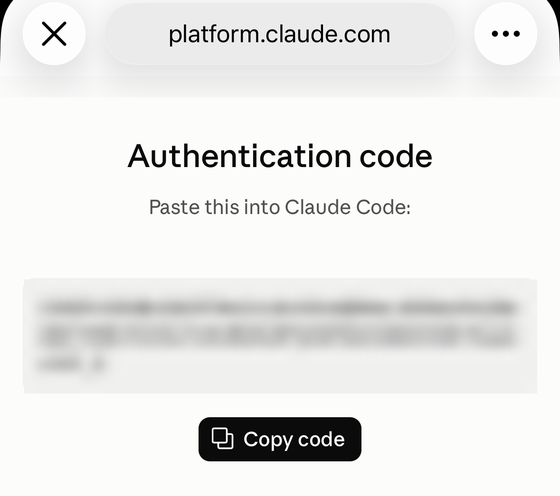
Tap Copy code. - Go back to Telegram, paste the code as your next message, and send it.
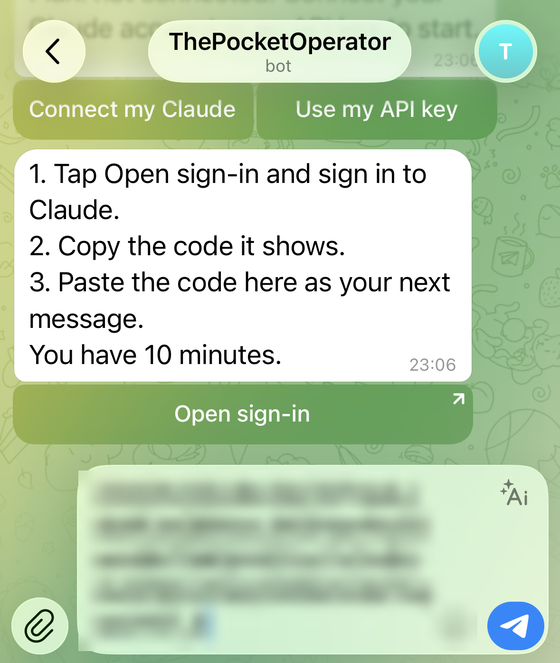
Paste, then send. - Done.
/statusnow says “your own Claude account”. Remove it any time with the Disconnect button or/disconnect.
The code works once and expires in minutes. It is not a password and not an API key, so it is fine to paste it in the chat.
B. Use an Anthropic API key
For people who prefer to pay per message. The key never goes through Telegram.
- Create a key in the Claude Console at platform.claude.com: API keys, Create key. It starts with
sk-ant-.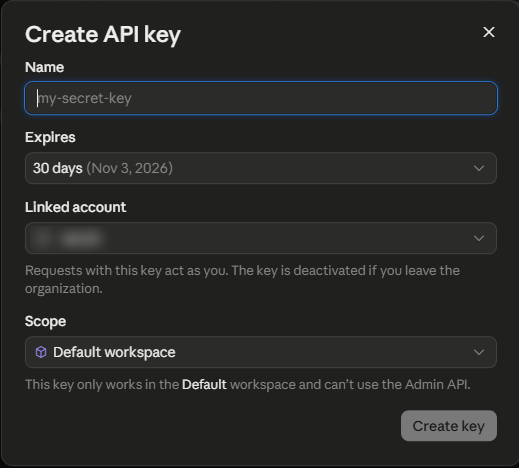
Copy the key when it is shown. The console shows it once. - In Telegram, send
/connectand tap 🔑 API key, then Paste key. It opens a one-time page; use the same device you copied the key on. - Paste the key on that page, never in the chat. We check it with one tiny request, encrypt it, and never show it again.
Prefer a computer?
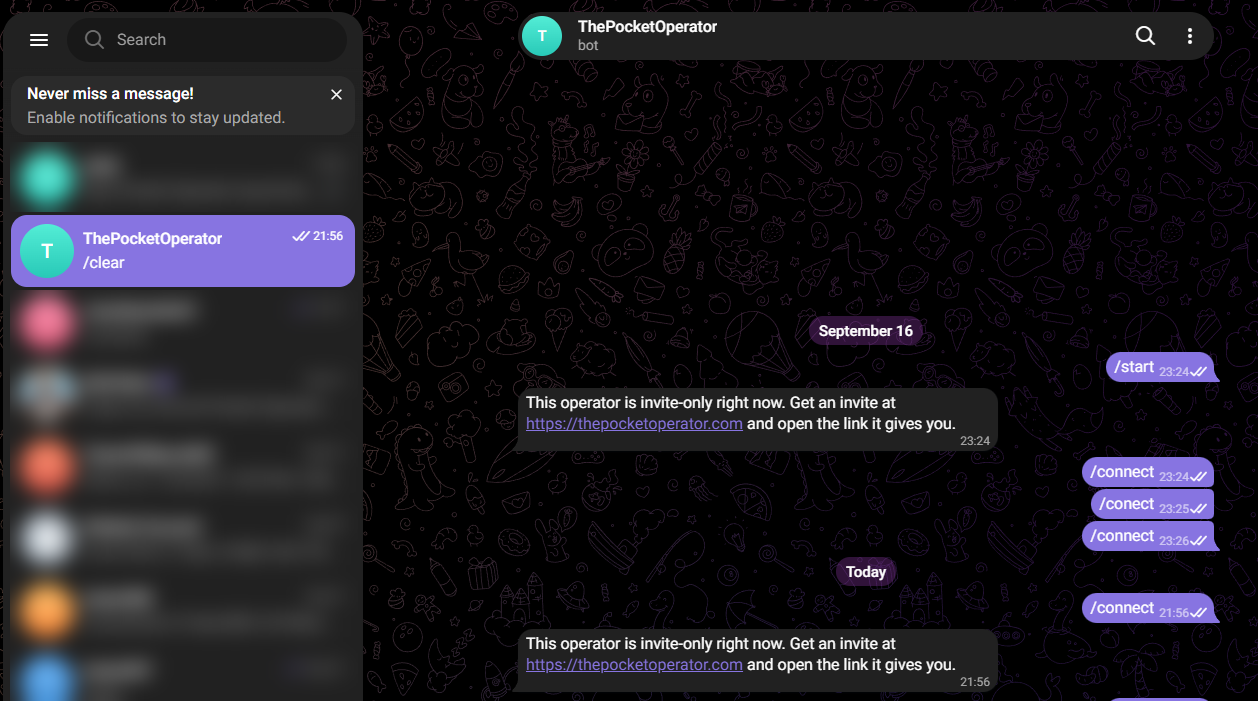
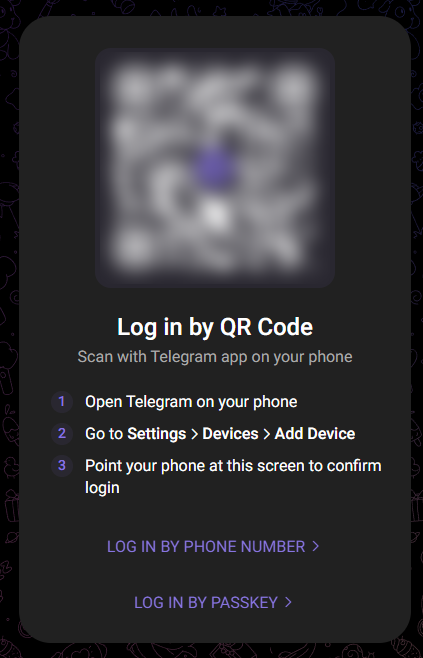
Telegram runs on the computer too. Install Telegram Desktop, or open web.telegram.org and scan the QR code with your phone: Telegram, Settings, Devices, Add Device. Then open your operator’s chat and follow A or B there.
Which one should I pick?
- You pay for Claude Pro or Max already: A. No extra cost.
- You don’t, or you want a usage bill instead of a subscription: B. You pay Anthropic per message.
- You connected the old way, with
claude setup-token: that way is retired. Reconnect with A.
What changes once you connect
- Your AI use is billed by Anthropic, not by us: on your Claude plan (A) or per message (B).
- The daily message limit goes away. A loop guard of 30 messages an hour stays, so a runaway loop cannot burn through your plan or your key.
- Disconnect any time: the Disconnect button under
/status, or/disconnect. Your credential is deleted at once.
Stuck? Write to hello@skogstrom.se.